 WorkoutPort
View and analyze Apple Health workouts, export workout files, and sync with Strava.
Visit the WorkoutPort website ↗
WorkoutPort Pro
Turn your workouts into personal cards and weekly or monthly recaps. Add photo, map or route backgrounds, then save your favorite style.
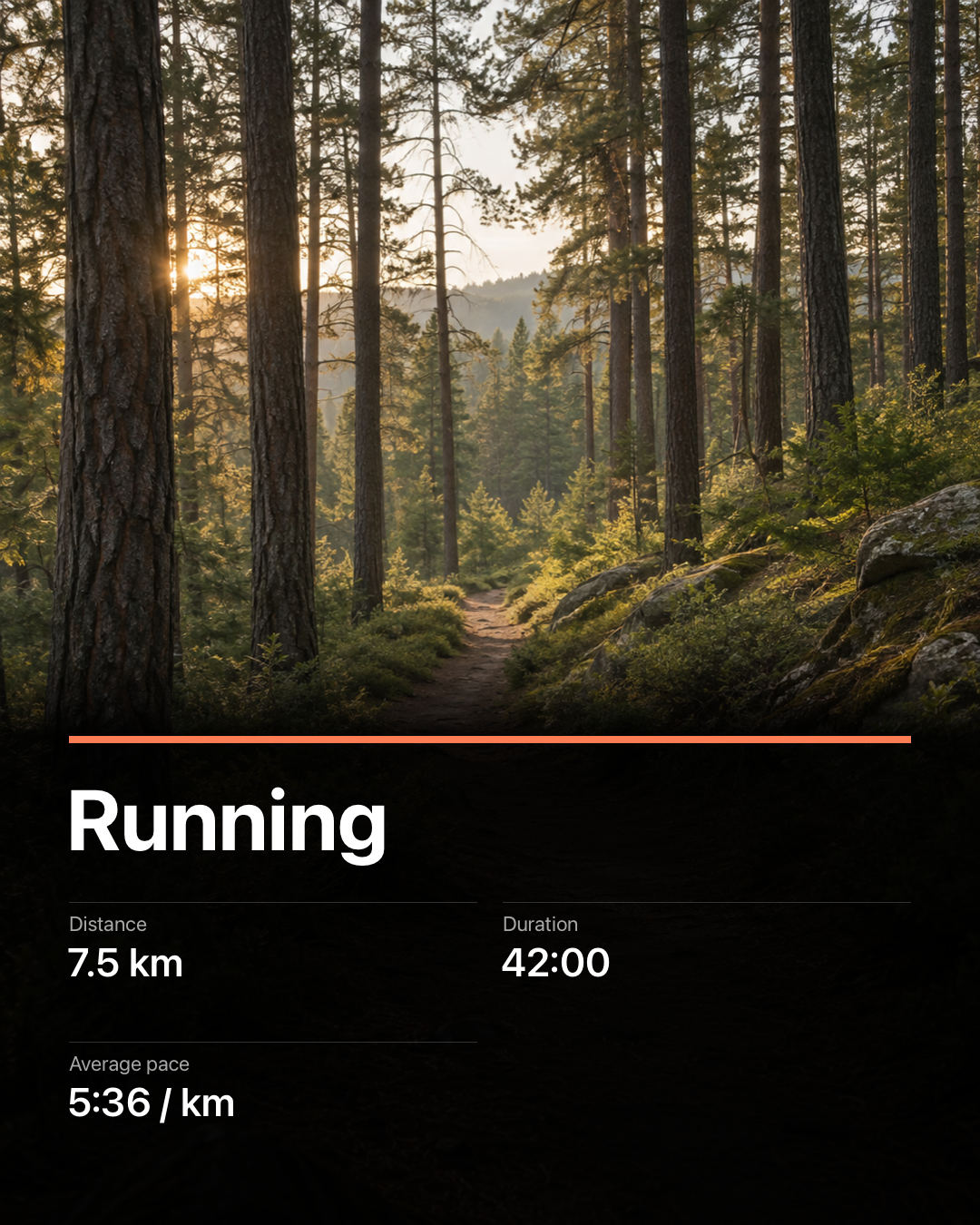
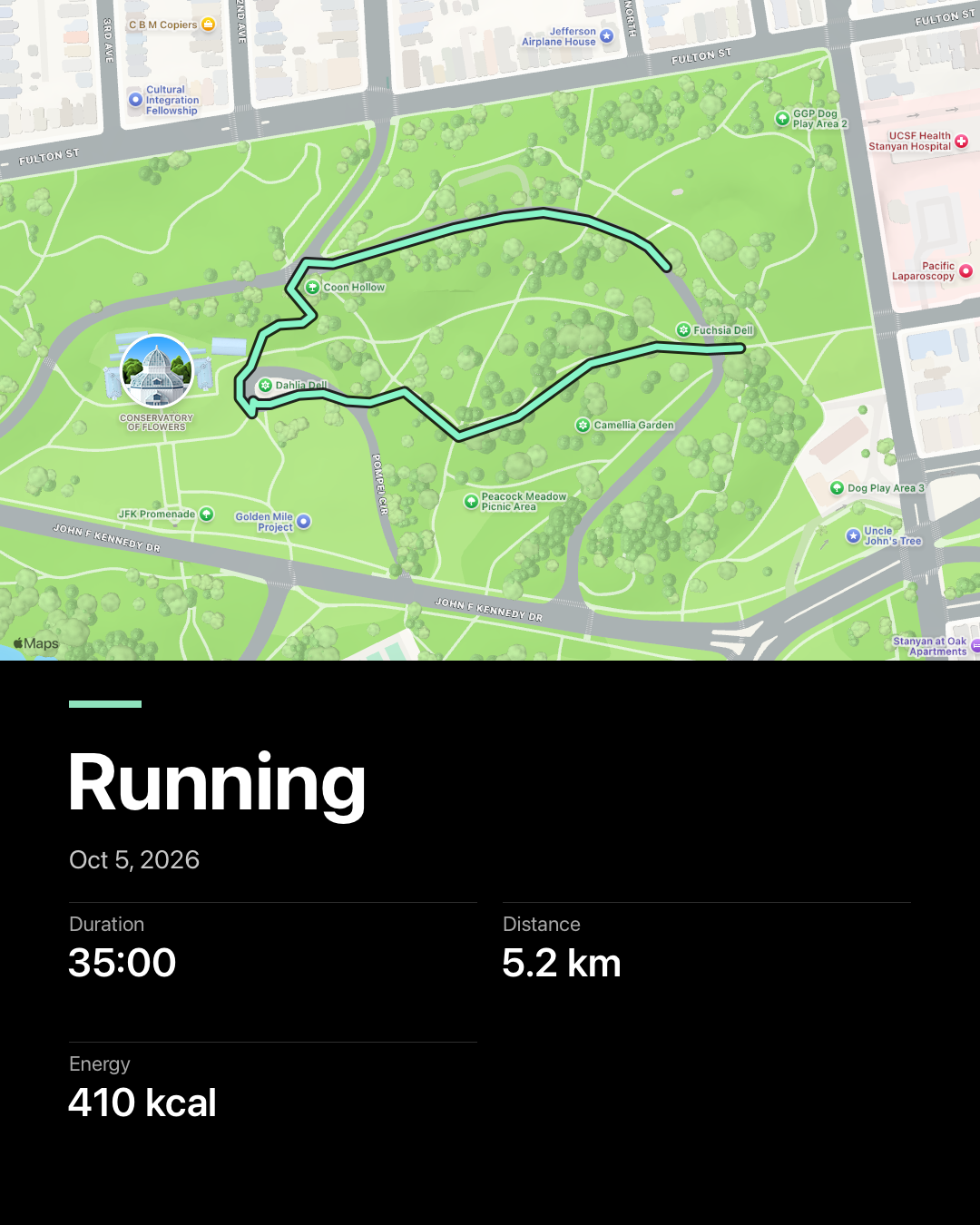
Syncing, file exports and Classic sharing are free. Optional Pro: monthly, yearly or lifetime.
Support
Current support information is available at workoutport.app/support/.
For support, bug reports, or feature requests, email result_change412@slmail.me.
Pro purchases can be restored in the app.
When reporting an issue
Please include, if possible:
- App version
- iPhone model and iOS version
- Apple Watch model and watchOS version, if applicable
- Workout type, export format, or connected service involved
- A short description of what happened
Health permissions
WorkoutPort needs Apple Health permission before it can read workouts, routes, and fitness metrics. You can review or change Health permissions in the Settings app on your device.
Exports and connected services
WorkoutPort can export workout files and sync with services you connect. If a service is unavailable or does not support a direct action, use the file export option shown in the app.
Privacy Policy
The current app privacy policy is available at workoutport.app/privacy/. The policy below remains available for existing app links.
Last updated: 2026-10-28
App data
WorkoutPort reads workout, route, fitness and recovery data from Apple Health only after you grant permission, and keeps its cache, settings, export history, sync rules and upload status on your device. No server of mine receives or stores your Health data.
Exports and integrations
Exports, connected services and auto-sync send only the data needed for the action or sync rule you enable. Service credentials are stored in the iOS Keychain on your device. Files you share or upload are handled by the destination you choose.
Strava privacy and retention
When you connect Strava, WorkoutPort may read your recent Strava activities, and location streams for a few matched activities, only to prevent duplicate uploads and check maps. Those streams stay in memory and are never saved or logged. Other Strava data and sync logs are kept on your device for no more than seven days; only minimal duplicate-check records without Strava identity may stay longer.
Disconnecting Strava, changing account or a privacy reset stops automatic uploads and deletes Strava data and credentials from the device. Disconnecting also asks WorkoutPort's Strava sign-in service to revoke the saved Strava refresh token when possible. Strava may collect API usage data under its own terms and privacy policy.
Health app import
If you import a workout into Apple Health, WorkoutPort writes the details you review and confirm; Apple Health then manages them.
Optional feedback
Send Feedback previews the report before sending. It contains your message, the report fields, and an optional email and app, iOS and locale details; a sanitized diagnostic log is added only if you choose. It never includes Health data, routes, workout files, tokens or identifiers. The feedback server keeps reports for 30 days by default.
Optional automatic diagnostics
Share Automatic Diagnostics is off by default. You can turn it off at any time, which stops new reports and deletes unsent ones. When on, WorkoutPort sends only fixed technical categories, such as app and iOS version, broad device and launch context, error and performance categories, and for crashes up to eight code locations in the app, which identify code, not people or devices. Each report has a random support code. Reports never include Health or workout data, routes, files, account or Strava details, or any user, device or installation identifier.
The diagnostics service runs on Cloudflare. It keeps raw reports for less than 30 days and anonymous counts for no more than 90 days. It does not store raw IP addresses, user agents or cookies; a short-lived, irreversible network value is used only to limit abuse. To delete a received report, email support with its support code.
Purchases
Apple handles optional Pro and Support Development purchases through StoreKit. Support Development tips do not unlock features. Purchases create no supporter account or analytics and do not give WorkoutPort your payment card details.
Support email
If you email support, I receive your address and message and use them only to answer and troubleshoot your request.
Third parties
WorkoutPort does not include analytics SDKs or advertising trackers.
Website privacy
For website hosting and audience measurement, see the website privacy notice.
Contact
For privacy or support questions, email result_change412@slmail.me.